orybite
Turning startup ideas into polished digital products with speed and precision.
Engineering futuristic digital ecosystems and IT strategic plans to accelerate modern enterprise growth globally.
© 2026 Orybite. All rights reserved.
Built with speed & precision.
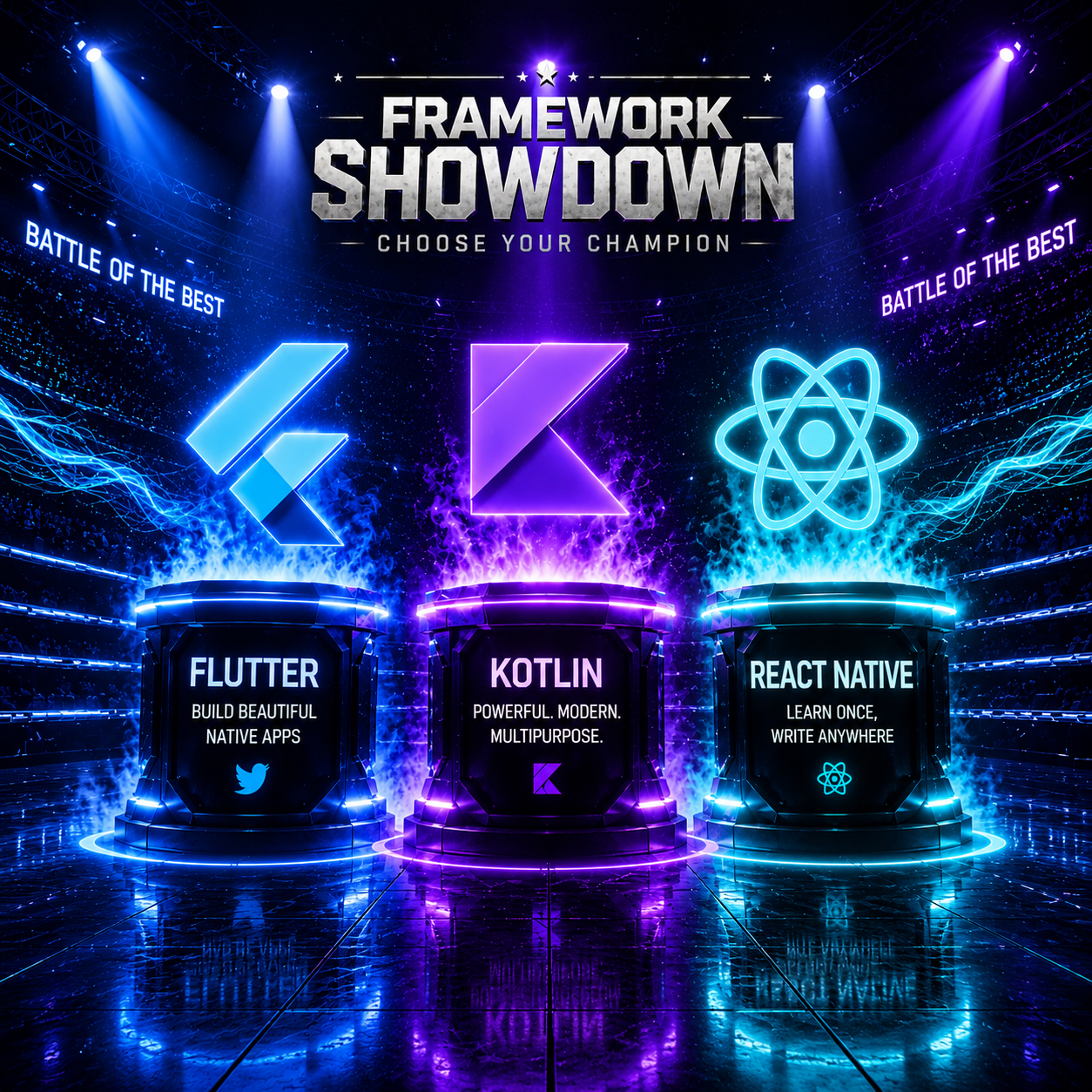
Flutter vs Kotlin vs React Native: Which is Best for Your Next Project? When building a new mobile application, the most critical decision developers and business owners face is choosing the right technology stack. Today, the market is dominated by three heavyweights: Flutter, Kotlin, and React Native. The success of your app heavily depends on matching your project requirements with the strengths of these frameworks. Let's dive into a direct comparison to clear up the confusion. Quick Overview of the Frameworks Flutter: Created by Google. It uses the Dart language and compiles to native machine code, allowing you to build beautiful, high-performance apps for both Android and iOS from a single codebase. Kotlin: Google's official native language for Android development. While Kotlin Multiplatform (KMP) is expanding to iOS, Kotlin is primarily celebrated for its unmatched, pure native Android performance. React Native: Created by Meta (Facebook). It relies on JavaScript and React to render native components, offering cross-platform capabilities for both Android and iOS using one codebase. Core Technical Comparison 1. Performance • Kotlin (Native): Fastest performance. It communicates directly with the phone's hardware and OS, making it ideal for CPU-heavy tasks. • Flutter: Highly efficient. It features its own rendering engine (Impeller/Skia), delivering fluid UI animations consistently at 60fps to 120fps. • React Native: Moderate performance. It relies on a JavaScript bridge to talk to native modules, which can cause minor lags during intensive operations. 2. Development Time & Cost • Flutter & React Native: Highly cost-effective. Write once, run everywhere. They cut development time and team sizes in half by covering both platforms simultaneously. • Kotlin: Higher investment. It only builds the Android app. You must write a completely separate codebase in Swift for iOS, doubling your timeline and budget. 3. User Interface (UI) Consistency • Flutter: Outstanding consistency. Because it draws its own widgets, the app looks pixel-perfect and exactly identical on every old or new smartphone. • React Native: Device-dependent. It maps to native OEM components, meaning your app's appearance might shift slightly across different device brands like Samsung or Google Pixel. • Kotlin: Pure native UI. Delivers the absolute standard Android experience with deeply customized native platform behaviors. 4. Development Speed (Hot Reload) • Flutter & React Native: Feature 'Hot Reload' or 'Fast Refresh'. Code changes reflect instantly on screen without restarting the app state, accelerating testing. • Kotlin: Requires traditional recompiling and running, which naturally takes up more time during iterative UI development. Comparison Matrix Feature Flutter Kotlin (Native) Language Codebase Dart Single (Android + iOS) Kotlin React Native JavaScript / TS Android Only (Native) Performance UI Consistency Excellent (High) Perfect across devices Maximum (Native) Single (Android + iOS) Good / Average Native look & feel Time-to-Market Very Fast Slow (Separate iOS needed) Final Verdict: Which One Should You Choose? Varies by device OEM Fast • Choose Flutter if: You want to launch on both Android and iOS quickly, require complex custom animations, have a tighter budget, and want a uniform UI design across all form factors. • Choose Kotlin if: Your target market is strictly Android users, you need raw hardware performance (heavy camera, Bluetooth, or background sensors), or you are building enterprise utility software. • Choose React Native if: Your current engineering team is already highly skilled in JavaScript or React Web, and you want to build a standard commercial app leveraging existing web ecosystems.